 Baton Note
Turn a voice memo into text, right in your browser
Press record, talk, and press Script. Baton Note writes out what you said and puts the text in the same note as the recording.
Free to start · Nothing to install · Windows, Mac, Linux, Chromebook
How it works
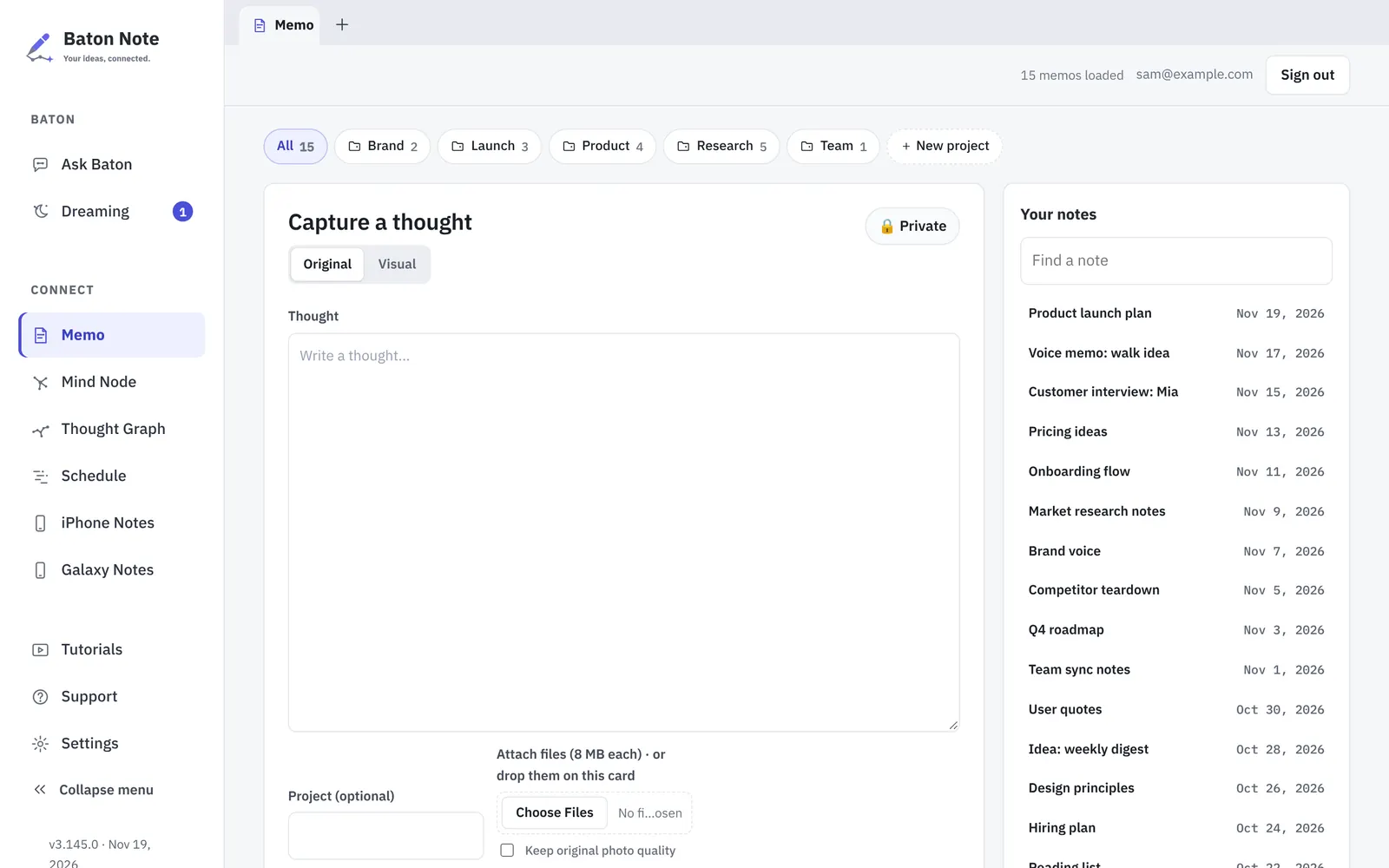
- Open Baton Note in your browser and press the microphone on the Memo page.
- Talk for as long as you need. A recording is saved as one file in the memo.
- Press Script. The written text is added to the same memo, under the recording.
- Fix a word, add a heading, and find the note later by anything that was said.
Why people use it
Recording and text stay together
The audio file and the written text live in one note. You can read it quickly and still play back the exact moment when something is unclear.
Made for long recordings
Meetings, lectures and long walks are fine. A long recording is sent in small pieces, and a recording that was not saved yet is kept on your device until it is.
Your recordings stay yours
Notes and recordings are files in a folder on your computer, or in your own Google Drive with Premium. Baton Note does not keep a copy of your notes on its servers.
From spoken idea to plan
Once the words are text, they work like any other note: link them to related notes, draw them as a mind map, or plan the work in a project.
Questions
How much voice to text is free?
The Free plan writes out 60 minutes of recordings a month. Premium raises that to 1,200 minutes a month.
Do I need to install an app to record?
No. Recording works in a modern browser on Windows, Mac, Linux and Chromebook. Your browser asks once for permission to use the microphone.
Can I upload a recording I already have?
Yes. Attach an audio file to a memo, then press Script to write it out.
Does recording keep going when my phone is locked?
In the Baton Note iPhone app, yes. A web page on a phone is paused by the phone when the screen locks, so use the app for long recordings on the go.
More about plans on the Pricing page, and about your data in the Privacy Policy.
More in Baton Note
Mind maps
Mind Node is a wide canvas inside Baton Note. Lay an idea out as cards and lines, then keep the board next to the notes it came from.
Read moreSecond brain
Write things down as they come. Baton Note links notes that share ideas and draws them as a Thought Graph, so old notes keep being useful.
Read moreKanban project planner
Schedule is the planning side of Baton Note. Move projects across a Kanban board, see them on a timeline, and open the notes behind each one.
Read moreTry it in your browser
Sign in with Google, Apple or email. It takes a minute, and there is nothing to install.